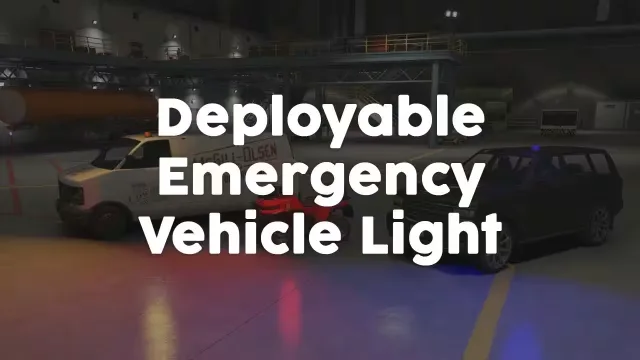
Deployable Roof Beacon for Any Vehicle
$12.99
Configure roof placement and optional item use around your vehicle models
FiveM resource updates included
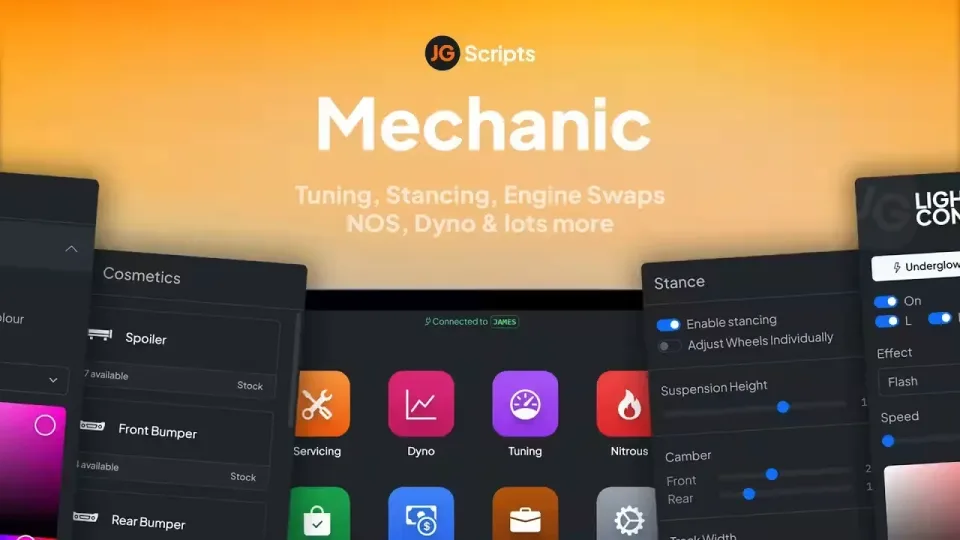
Choose your mechanic jobs and servicing rules for Qbox, ESX or QBCore before opening JG Mechanic to staff. Configure engine presets and any custom streamed sounds together. Electric vehicles are excluded from the engine and manual transmission swaps.
The employee tablet brings dyno results and invoices into the repair workflow. Invoice state is shared across the business, while mileage determines when vehicle parts need attention.
Review lift access, stance settings and performance parts alongside the maintenance schedule. Manual conversion introduces missed shift damage, so include that behavior when testing your vehicle setup.
Every review is checked before publication. If your email matches an order, the review is marked as a verified purchase.
Configure roof placement and optional item use around your vehicle models

Connect the HUD response before configuring alcohol thresholds and test language

Prepare ox_lib and role access before configuring AI hire rules

Prepare database resources and staff permissions for browser moderation

Configure saved washer state, processing rules and marked bill handling

Configure rank access and territory points before opening gang progression

Connect the included bridge before configuring appliances and crafting checks

Set attempt rules and connect a standalone keypad to your existing interaction

Connect kq_link before configuring vehicle loot and police responses

Review inventory compatibility, job checks and spray effect settings first

A QBCore and OX setup for mapped processing locations and trunk interactions

Plan crew responsibilities around the bank security and entry sequence
JG Advanced Mechanic & Tuning is a FiveM server resource listed for esx, qbcore, qbox compatibility. Review the description above for its gameplay features, required dependencies, install process and editable files. CfxMods is an independent store that provides the product listing, digital delivery and support through its own secure checkout.
Before buying any FiveM script, match the framework to your current server, check whether other libraries are required and confirm that the configuration covers your use case. Your order includes digital delivery, access to future resource updates and a support route if installation does not go as described.