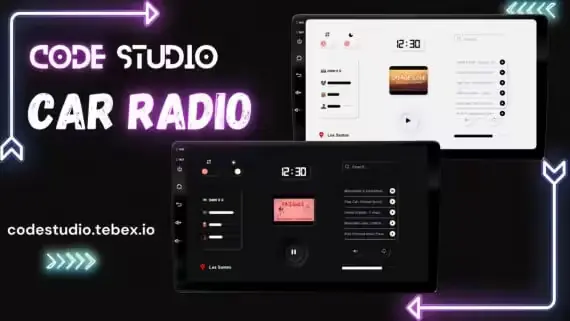
Xsound Car Radio by Code Studio
Connect Xsound before configuring passenger controls and vehicle access
Use the filters to cut a broad FiveM catalog down to resources that fit your server. The listing page is where you can verify supported cores, prerequisites, configurable files and delivery terms.
Connect Xsound before configuring passenger controls and vehicle access
Prepare ox_lib and role access before configuring AI hire rules
Connect boii_utils before configuring chat commands and staff message logs
Match Gabz service points to your inventory, target and society resources
Adjust load timing, status placement and mileage display from settings
Configure shop access, compatible breeding pairs and pet inventory choices
Draw territory boundaries and configure the economy before enabling claims
Plug in, pull fault codes, and flash hidden mods
Prepare qb-core and OneSync before configuring production and sale routes
Connect target and society banking before configuring player shop permissions
Match the interior coordinates to your target, boss and appearance resources
Gabz kitchen coordinates with inventory and society integration choices
Editable island maps and production timing for your server economy
Choose target interactions, job access and recovery payout rules
Choose target and menu connections before configuring fermentation and sales
Connect paid plate designs to Tebex while retaining an editable server setup
Included library with material restrictions and editable processing effects
Choose hand delivery or supported inventory item mode after installing gfx-lib
Match existing shop and stash interactions to the revised convenience interiors
Configure terrain behavior while retaining the vehicle handling setup
A documented QB dependency stack for replacing the existing workshop flow
Import existing doors before configuring building access and relock rules
Choose society interactions and staff logging before configuring employee access
Choose interaction prompts and control which RC addons players can use
24 of 92 listings are visible
Reveal the next listingsThe fastest way through a mixed FiveM catalog is to rule out poor fits early. Select the framework that already anchors your server, choose the studio or price range when it matters, and open only the listings that address the system you are replacing or adding.
The QBCore, ESX and Qbox views reflect support declared for each resource. Multi-framework releases can appear in more than one view; standalone tools may work without a roleplay core. Confirm the exact version and bridge requirements on the listing.
Before ordering, note the dependencies, install sequence, protected and editable files, update access and any product-specific terms. If one of those details is missing or ambiguous, ask CfxMods first rather than testing compatibility on a live server.