
Recently added
DRC Free House Robbery Script
FREE
Prepare safe, laser and entry dependencies before configuring house access
FiveM resource updates included
Find scripts, interiors and server tools by the job they do. Check framework support and setup requirements before anything reaches your build.
Popular now
Compare what each release changes, which cores it supports and what the install expects.
Prepare safe, laser and entry dependencies before configuring house access

Connect the QB resource stack before configuring job markers and grades
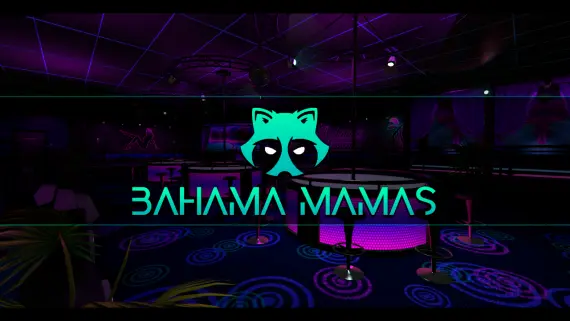
Prepare the club interior before connecting your bar and staff interactions

Prepare the supported inventory and target connections before survival sessions

Configure terrain behavior while retaining the vehicle handling setup

Connect paid plate designs to Tebex while retaining an editable server setup

Editable showroom source with framework and job access choices

Configure location specific rentals with mileage and hire duration records
Browse by outcome
Start with the system you are improving. The library search will do the first pass for you.
Browse every categoryIndependent studios
Keep related resources together and compare a developer's approach across its catalog.
A cleaner preflight
A useful listing should make the framework, dependencies and editable surface clear before checkout.
# verify the required libraries
ensure ox_lib
ensure my-resource

# choose the server framework
set resource:framework "qbcore"
set resource:locale "en"

✓ dependencies mapped
✓ configuration reviewed
Build more for less
Review the included resources and the combined cost before deciding whether a bundle fits your build.
Make a living without a rap sheet. Steady work, a boss to answer to and wages that arrive whether or not the night got interesting.
What happens to a car between spawning and crashing: keys, storage, resale and the lift it ends up on.
The quiet economy underneath the legal one, with product, territory and somewhere to put the money afterwards.
Your next server upgrade
Filter by framework, inspect the requirements and shortlist the releases that fit how your city is built.